
FOOD & HOME / OFFLINE BROWSER APP
Batchleaf
From favourite recipes to the week's shopping.
An offline recipe organiser, serving scaler, weekly meal planner and combined shopping-list builder.
One payment. Your download is delivered after purchase.
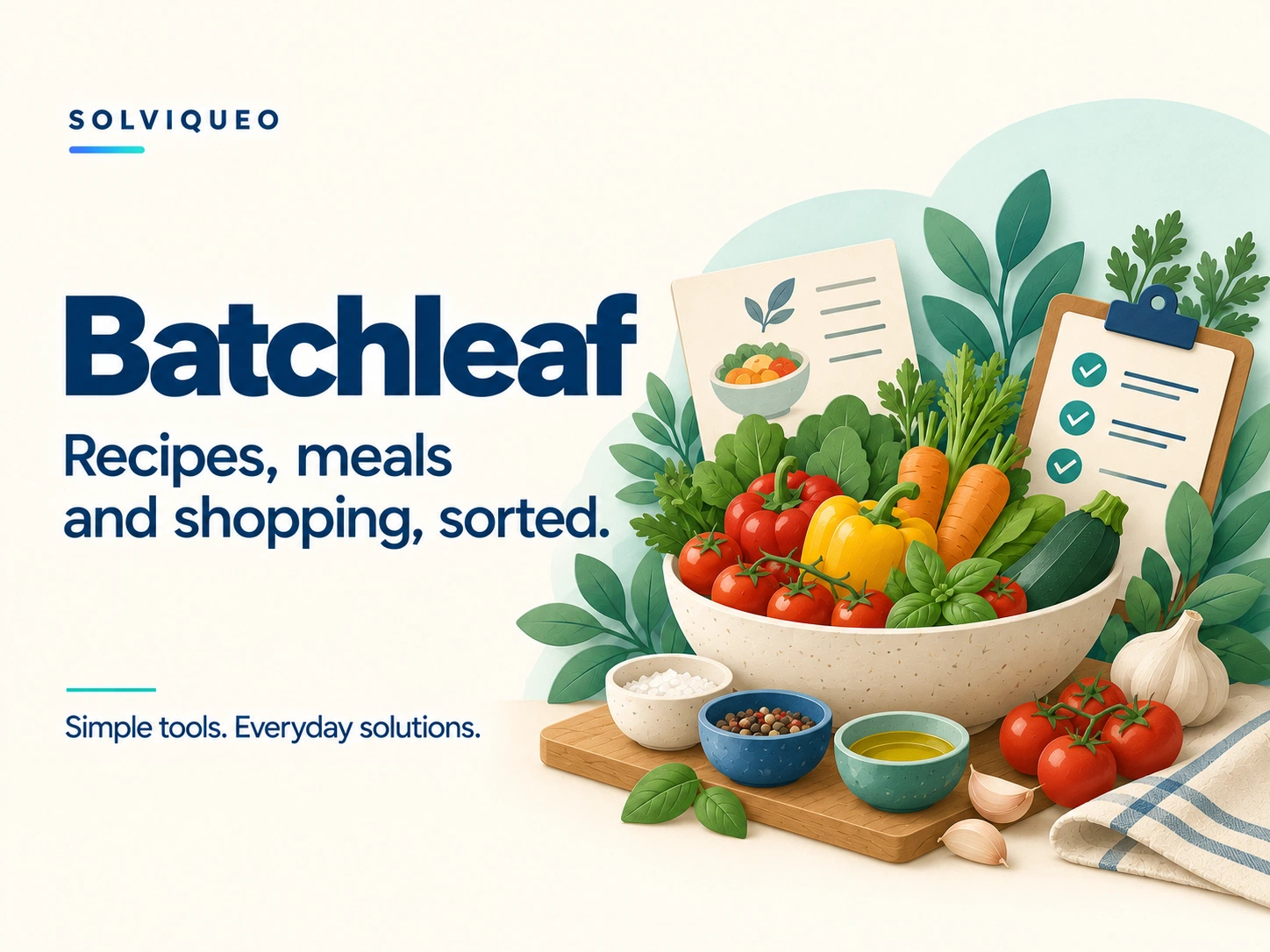
A LITTLE MORE ORGANISED
From favourite recipes to the week's shopping.
Recipes, portions, weekly meals and shopping belong together. Organise the whole sequence in one practical offline tool.
What is included
Batchleaf.html, a styled quick-start guide, a text guide and a customer licence.
What it helps you do
✓Save your own recipes with ingredients and methods
✓Scale ingredient quantities for different serving counts
✓Create weekly plans and combine matching ingredients
✓Organise your shopping list by aisle and add extras
✓Print plans, recipes and shopping lists; export text or CSV
✓Back up recipes, plans and shopping ticks as JSON
BEFORE YOU BUY
Know what to expect.
Browsers and devices
Use a modern desktop browser with local HTML, JavaScript and storage enabled. Chrome was used for documented interface testing; other browsers and direct local-file opening were not separately tested. Android file support varies. Local editing in iPhone/iPad Files previews is not recommended.
These are downloadable HTML browser apps, not App Store or Google Play apps. A responsive layout does not guarantee that a phone’s file viewer can run the editor. Use a browser that permits local HTML, JavaScript, storage and downloads.
A focused tool
Recipes are entered manually. No online recipe importing, nutrition tracking or AI recipe generation is included. Matching names and compatible units combine; synonyms are not guessed. Scaling changes quantities, not the written cooking method. Package sizes are not automatically rounded.
Getting started
Extract the ZIP and open Batchleaf.html in a supported browser.
Enter your own recipes and ingredient quantities. Create a week, add meals and choose the servings for each.
Check the combined shopping list, mark what you have or have bought, and print or export it for your shop.
How does saving work?
Use Save to commit forms; shopping ticks save immediately when browser storage is available. Keep JSON backups before changing devices, browsers or file locations.
Only a Batchleaf JSON backup restores the editable workspace. CSV and text exports are reports. Restore replaces the workspace after a review step.
Local storage and exported backups are not encrypted. There is no cloud sync.
What does my licence cover?
One household or one sole trader/business may use its own copy and share generated plans or shopping lists with its household or team. Do not resell or redistribute the editor.
The licence supplied with your purchased version contains the full product terms. This summary does not remove statutory consumer rights.
Does it need an internet connection?
Purchasing and downloading need a connection. The downloaded editor is designed for offline use. External websites and links require internet.