
WEDDINGS / OFFLINE BROWSER APP
Seatfold
A place for everyone. A clearer plan for you.
An offline wedding table-seating planner and guest-list organiser.
One payment. Your download is delivered after purchase.
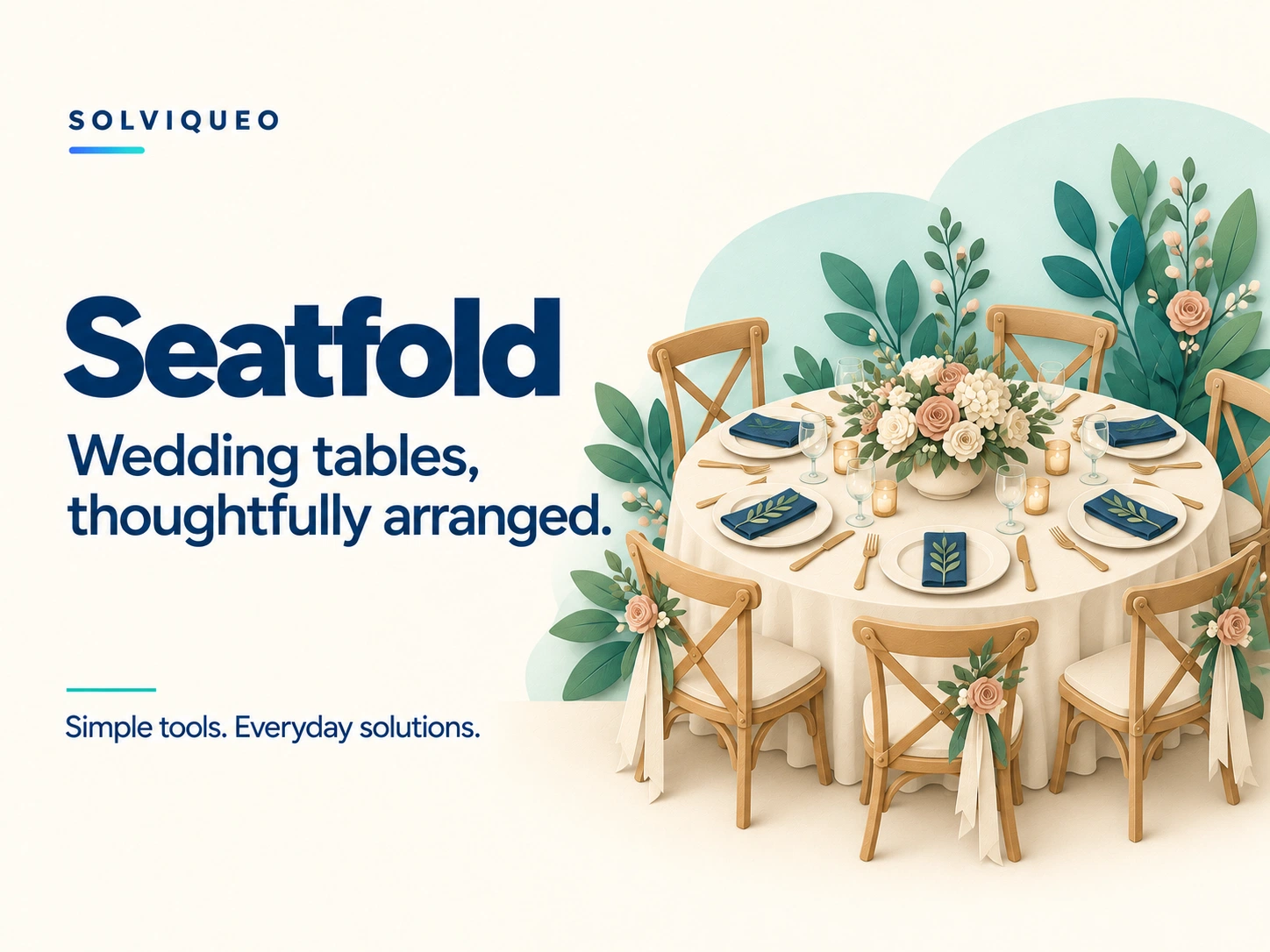
A LITTLE MORE ORGANISED
A place for everyone. A clearer plan for you.
A wedding guest list and table plan have plenty of moving parts. Bring the planning together in a focused tool for your celebration.
What is included
Seatfold.html, a quick-start HTML guide, a text guide and a customer licence.
What it helps you do
✓Keep multiple events, guest groups, replies and meal choices
✓Move confirmed guests between named tables with capacity checks
✓See pending replies, unseated guests and split-group notices
✓Print table charts, guest directories and catering lists
✓Export read-only HTML reports or a guest-list CSV
✓Back up all events as JSON and copy events for reuse
BEFORE YOU BUY
Know what to expect.
Browsers and devices
Chrome desktop was used for documented browser testing. Edge, Firefox and Safari were not separately tested for this release. Android needs a browser/file-manager combination permitting local HTML, JavaScript and downloads. Local editing on iPhone/iPad is not recommended. Physical mobile devices were not tested.
These are downloadable HTML browser apps, not App Store or Google Play apps. A responsive layout does not guarantee that a phone’s file viewer can run the editor. Use a browser that permits local HTML, JavaScript, storage and downloads.
A focused tool
Assigns guests to tables. It does not design room floor plans, number individual chairs, decide who should sit together, send invitations or collect online RSVPs. Update replies yourself.
Getting started
Extract the ZIP and open Seatfold.html in a supported browser.
Add guests individually or paste a list with one person per line. Enter replies, groups and meal choices, then name your tables and set their capacities.
Select confirmed guests or a group and assign a table. If the selected group does not fit, nothing moves. Review the plan and choose a report to print or download.
How does saving work?
Information is kept in your own browser unless you export it. Clearing browser data or moving the app file may hide saved events. Keep JSON backups.
JSON backups preserve all entered details. CSV and HTML reports are not editable workspace backups; CSV is not an import format.
Table charts and guest directories exclude private notes and meal choices. Dietary/care notes appear in catering reports and CSV only when selected. Backups and reports are not encrypted; check them before sharing.
What does my licence cover?
One household or one sole-trader/business may use the app for its own or client events and share generated plans with the event team. Do not redistribute or resell the editor or offer it as a hosted service.
The licence supplied with your purchased version contains the full product terms. This summary does not remove statutory consumer rights.
Does it need an internet connection?
Purchasing and downloading need a connection. The downloaded editor is designed for offline use. External websites and links require internet.